After surprisingly doing my taxes, I spent the money I might get back on a new toy, a Samsung E-Paper EM32DX. It is an eInk display with an electrophoric Spectra 6 display. These displays work without backlighting and can look like a picture or photo frame. I've toyed around with using an LCD display, but they don't match the room brightness. Having a large (32", 50cmx70cm ) frame with a resolution of 2560x1440 pixels is good enough to view from 1m-2m distance.
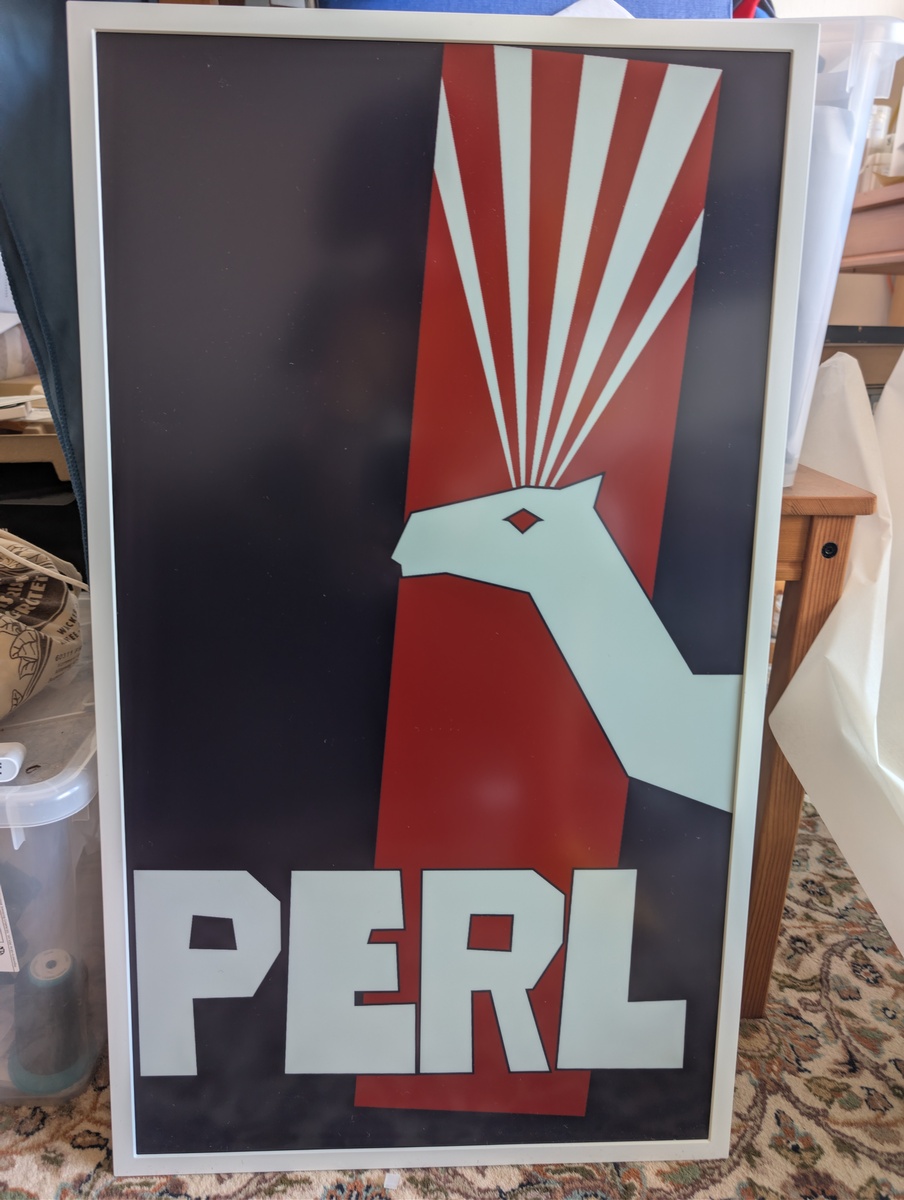
The device can work with a battery, so that I can hang it on a wall without needing to run cables for the power supply.
I plan to use the display mostly as a picture frame to display a random photo I've taken. Ideally, I can integrate the display into my home network, so that I can quickly send any image from my desktop PC to the frame.
Power consumption of the frame is an issue. It has Bluetooth LE and Wifi connectivity, but keeping it connected to the WLAN depletes the battery within 2 days. Depending on how far I get with reverse engineering the software, maybe I can wake up the display via Bluetooth or have it wake up and connect on a schedule.
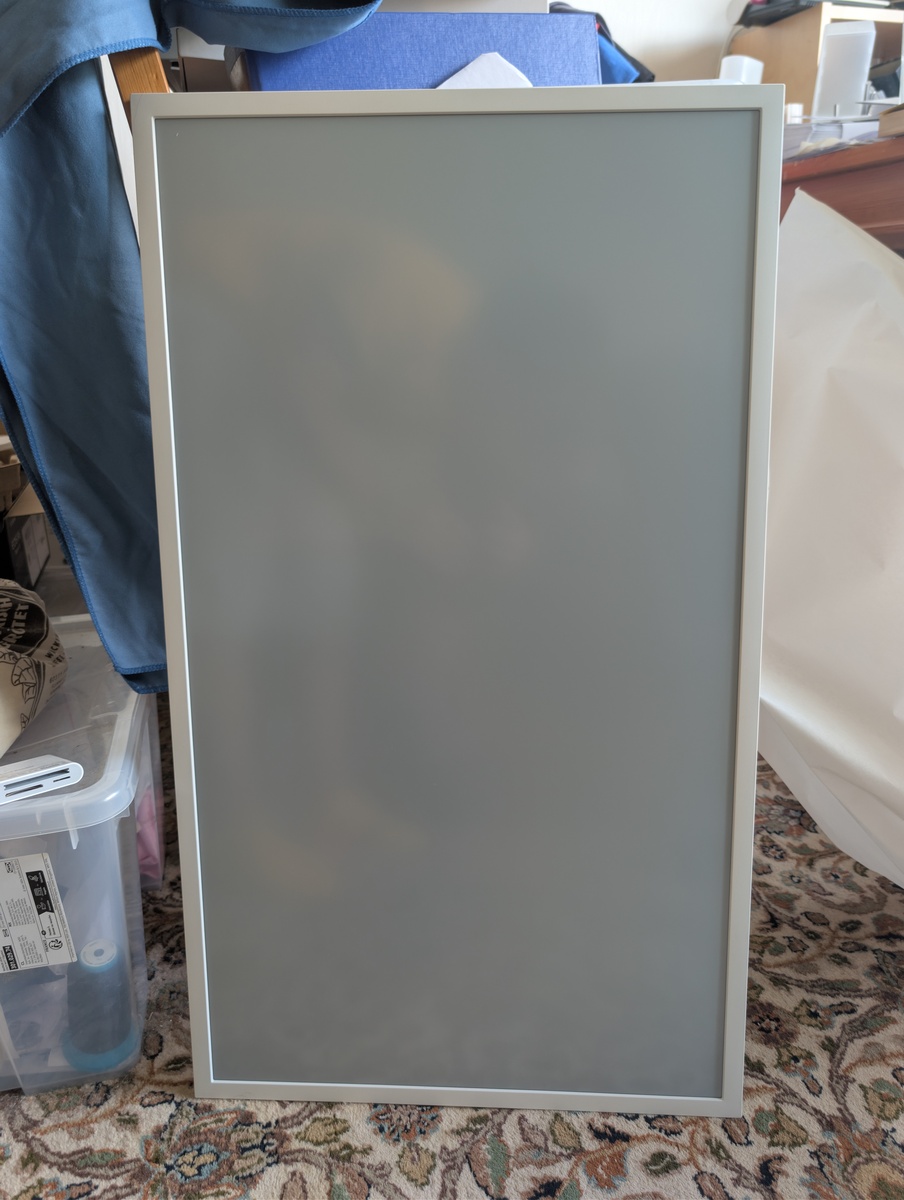
The display from Samsungs digital signage division is intended as in-store display for commercial use, but is feels somewhat flimsy with its all-plastic design. On the other hand, it only weighs 2.5kg, which makes hanging it fairly easy. The device runs some version of Samsungs Tizen OS with a special player for displaying images on the frame. The software to upload new images is either a mobile app or Samsungs VXT signage solution, but some people already have reverse engineered parts of the API. I don't plan on replacing the built-in Tizen player application with something else.
The Plan
My plan for the next weeks is:
- Investigate the software of the device
- Investigate and exercise the functionality of the device without the app
- Investigate and exercise the functionality of the device with the app
- Set up a segregated IoT network
- Reverse engineer the device + API
- Wakeup via Bluetooth
- Provisioning of WLAN connectivity
- Automated display of new images
before initial setup
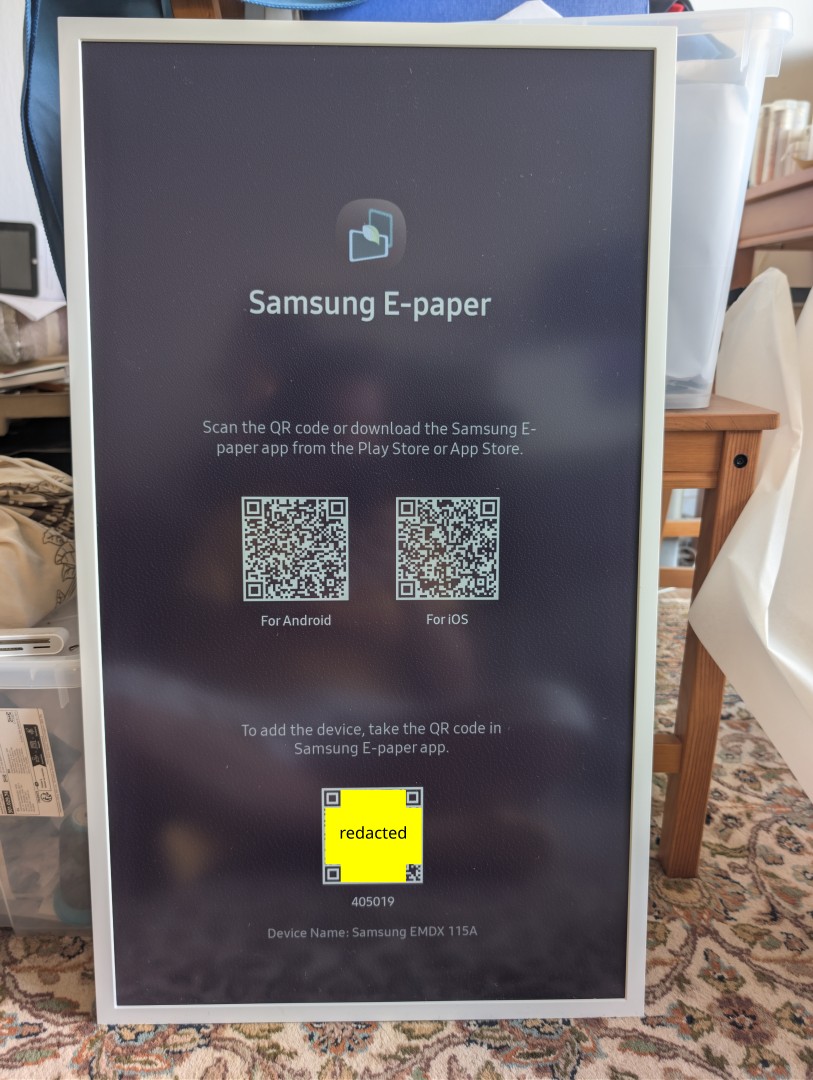
Connection information via QR code
When powered on or reset, the device displays a QR code with the BT connection information. This makes it convenient for the phone app and also allows me to get the BT MAC for the device:
EPD_PARRING_DATA?pincode=215815?devicemac=xx:xx:xx:xx:xx:xx?devicename=Samsung EMDX 115A
Yes,
EPD_PARRING_DATA, I'm not sure if this typo is deliberate
BT LE scan
A quick scan using btmgmt lets me see the device, after pressing the magic
Bluetooth button on the device:
# hcitool lescan
xx:xx:xx:xx:xx:xx Samsung EMDX 115A

# btmgmt
pair xx:xx:xx:xx:xx:xx
After several attempts from my desktop the device paired. This mirrors the experience with my phone, where I also needed several attempts before the device would successfully pair.
First functionality check with USB stick
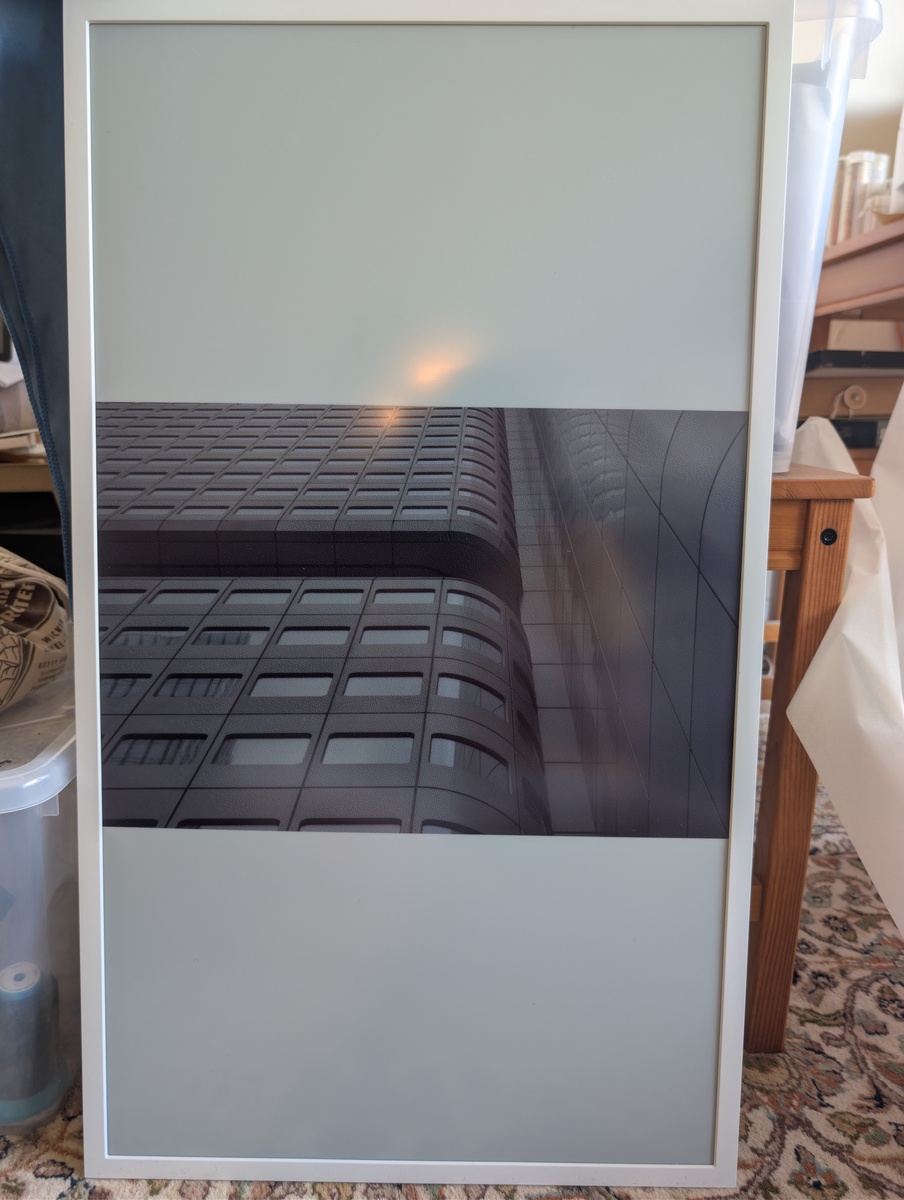
The display can show images from an USB stick, so that's what I used to show the first set of images. The device dithers the image colours where they differ from the 6 primary colours. This is fairly slow, with the transistion to a new image starting roughly 20s after starting, and the display transition taking another 30s of flashing.
Setup
Weirdly enough, the EM32DX does not seem to have a large-scale provisioning mode mentioned in the manuals. All the instructions I've found rely on scanning the QR code on the device with the Samsung E-Paper App.
After some searching, I found a PWA at
Samsung EDO, which generates preset
configurations for various EMDX devices. This also showed that if you put that
file into the preset/ folder below the SAMSUNG_E-Paper folder, the decice
will pick up the settings from that XML file and self-configure.
<?xml version="1.0" encoding="UTF-8"?>
<!-- Version: 1.0.6  Built with the Samsung ePaper USB Preset Tool (https://preset.samsungedo.com).
     Delete a whole <ConfigItem> block to skip an optional setting; never leave a value blank. -->
<ConfigurationPreset>
  <!-- Wi-Fi the device joins. EAP=false for a normal password (WPA2-PSK) network; the EAP field is required on FW 1120 even for PSK. -->
  <ConfigItem type="NetworkSetting" category="mandatory">
    <Parameter name="NetworkType" value="Wireless"/>
    <Parameter name="SSID" value="Name-of-SSID"/>
    <Parameter name="Password" value="password"/>
    <Parameter name="EAP" value="false"/>
    <Parameter name="ID" value=""/>
    <Parameter name="AnonymousID" value=""/>
    <Parameter name="EAPType" value="PEAP"/>
    <Parameter name="PHASE2Type" value="None"/>
    <Parameter name="CA_Cert" value=""/>
    <Parameter name="Client_Cert" value=""/>
    <Parameter name="DHCP" value="true"/>
  </ConfigItem>
First setup, with the app
Network uses WPA3+WPA2, which the device does speak, but the Samsung App gets confused and cannot connect to the device via WLAN that way. Using the mobile hotspot of my phone still allows me to connect the device to the app and test out the functionality beyond the USB stick with the app.
Use through the app
The app can configure the device completely and also send new images from the photo storage. Connectivity via WLAN is necessary for the data transport. Basically, I think I can now send fresh image data to the device whenever I feel like it.
Colour fidelity
The display has 6 primary colour pigments, red, green, blue, yellow, black and white. Other colours are created on-device by dithering the image. The colours don't really match up with my desktop monitor, they are somewhat darker even accounting for the luminescence of the display. Especially green seems far darker than its RGB counterpart.
Pigment colours, matched by eye:

Colour comparison with reference card:
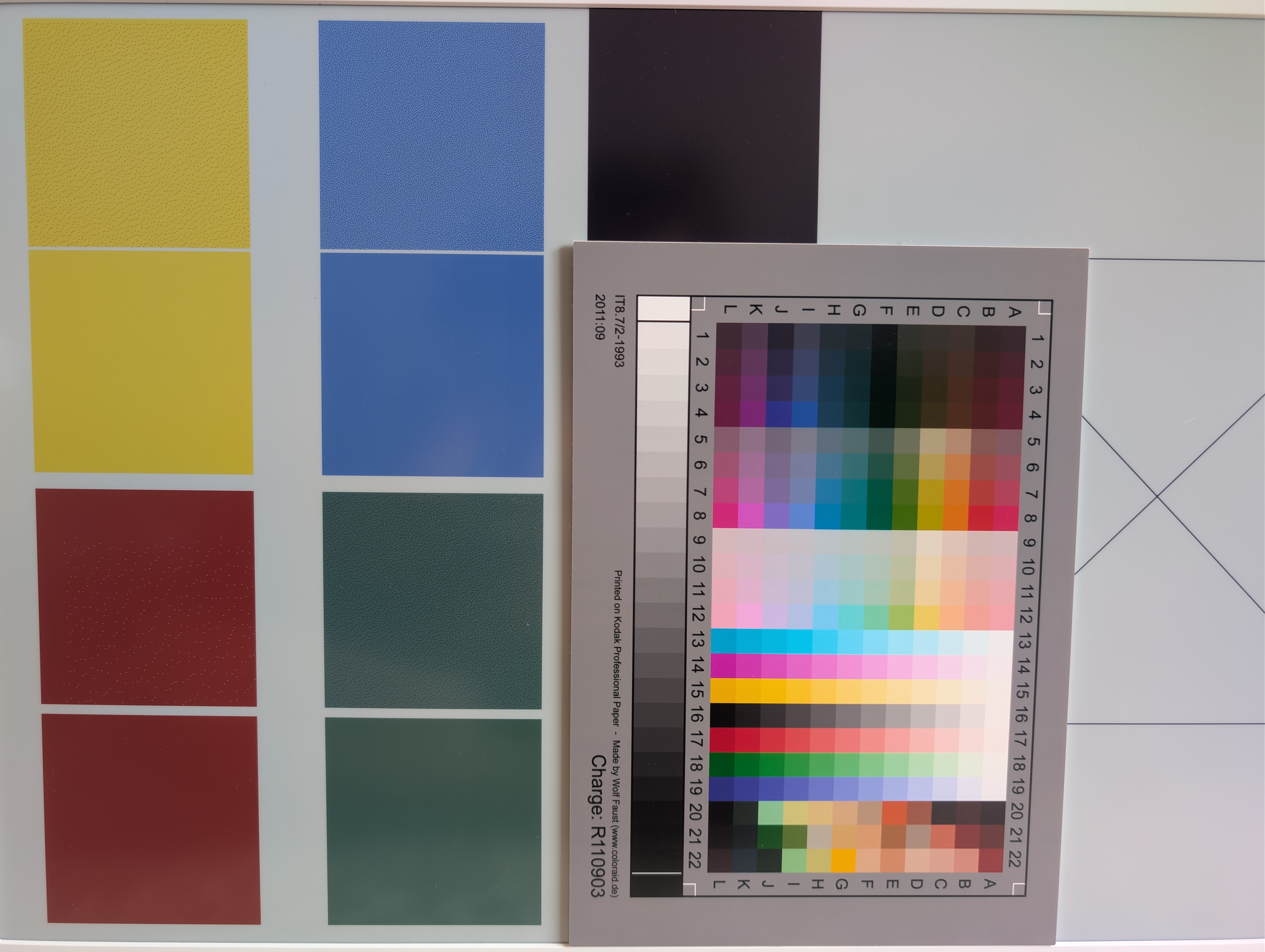
(image taken with Google Camera on Pixel 9 Pro XL under indirect daylight)
With some googling, I came up with two Imagemagick commands to first dither an image to the colours of the pigments, and then to convert the pixels to the RGB pixels that the on-device software expects.
Imagemagick command line to Colour-concert and pre-dither images:
# dither with eink colours
magick input.png -dither FloydSteinberg -remap 00-colour-mapping-visual.png "dithered.png"
# map to rgby pixels
magick "dithered.png" -remap 00-colour-mapping-rgb.png +dither final.png
Next Steps
- Maybe some yaml to create palette profiles, to make tweaking easier?! On the other hand, simply using Imagemagick works well enough.
- Crack up BT setup. The configuration and setup via USB stick works well enough, but I'd like to also set up the device using Bluetooth programmatically.
- Set up segregated IoT WLAN to keep random devices off my main network. Just so that the random devices don't get onto my main network.
Tags: Gadgets Reverse engineering
]]>